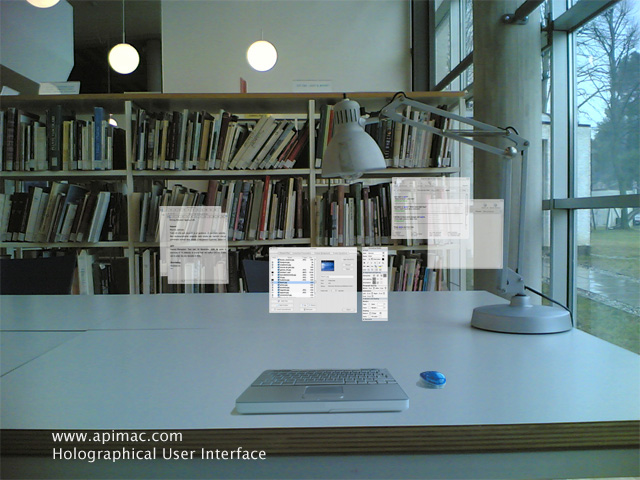
Interactive wall space (focusing on touch screen technologies) that promotes Communication via a help forum board. Users post digital "Post it notes" with a question they require help on. i.e "How hot is it in Greece?" - then... Another user would post a "Post it Note reply" to that specific question or post one of their own dependent on what they want to do. The user would be able to select colours, pen size, type of font, and if they want to add pictures. Questions asked would be contained in their own hierarchical Structure with multiple sub questions (quires) and answers all displayed on the interactive wall space at the "Hands"
William Carter
The chosen overall concept was to create a space which appealed to the target audience and key stakeholders. The ideas generated are aimed at capturing imagination, usability, comfort and interaction amongst pears. As well as a central point providing a specific purpose, the space around it will provide suitable usable surroundings enhancing the experience for the user. The desire is to create a partially enclosed space which mimics the emotion displayed by students sitting on grass on a hot summer’s day. It is deemed through observation and participation that a positive emotion is displayed whereby the comfort and relaxation brings about a greater sense of interactivity amongst groups of students and also between groups of students.
The following idea was proposed:
Holographic interactive fountain/gameThis would be the inspiring focal point of the space generating campus wide interest and provoke discussion and interaction amongst key stakeholders both in and away from the actual space.
The holographic interactive game should be one which could be collaborative such a Jenga. The display could appear in a box type screen with touch sensors corresponding to the image displayed. The game could also be rotated periodically or could be chosen from a selection.
The hologram would also when not in direct use consist of a flaming/water fountain dependant on the weather. On cold day the hologram will show a flame generating a warm feeling of the space and on a hot day the watery fountain display will create a cooling sensation.
SeatingThe warm and cooling features could be enhanced through an under floor/seated heating and cooling system. Around the central holographic display and to the edge of the space soft cushion type flooring would be used. It is hoped that padded flooring will both allow for people to pass through the space but also once on there would encourage the person to sit down and relax.
RoofingIt was thought that the best way to encapsulate the desired effect of relaxation and comfort thus provoking interactivity amongst people was to partially enclose the space and create a roof. This would be a contemporary non flat design and could be used to further emit the display of the fountain, i.e. Flames or waterfall effect.
ScreenA large projection screen placed on the cat building can provide an outlet to display work from across various departments. Departments can use it to showcase new developments and students work. Short films, animations and still images can also be shown. This also opens up a media outlet which could raise funds for the upkeep of the project through advertising.
Arron Harrison
Richard
HamerUCLan WikiBox
A unit is placed in the space that allows users to find information out about all aspects affecting the university and surrounding area. Like a traditional wiki the content is user generated allowing a bottom-up approach to ascribing content with its context/meaning. Entries can be edited and debated and it is hoped that such a system would encourage a collaborative learning/publishing environment to develop within the university and local community.
Paul Rowe